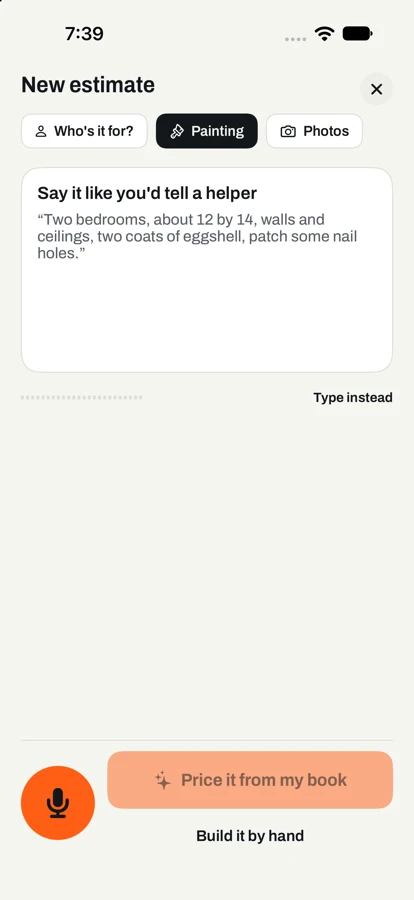
First, say the job.
Talk the way you would to a helper: rooms, sizes, coats, what's included. Rather type? Type it. Snap a photo if it helps.
Try a draft
- Interior walls, 2 coats$1,539.20832 sq ft × $1.85 Your book
- Ceilings$470.40336 sq ft × $1.40 Your book
- Interior paint (eggshell)$336.007 gal × $48.00 Your book
- Prep: patch & caulk$110.002 hr × $55.00 Your book
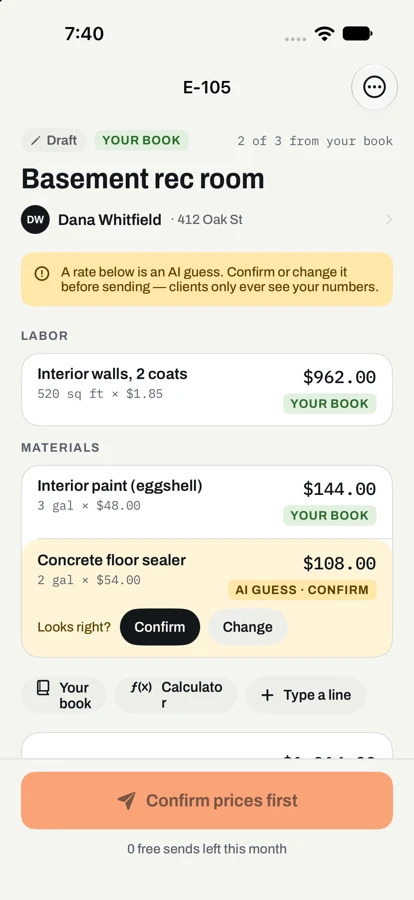
Prices come from your book, never thin air. No rate in your book? TapBid asks instead of guessing.
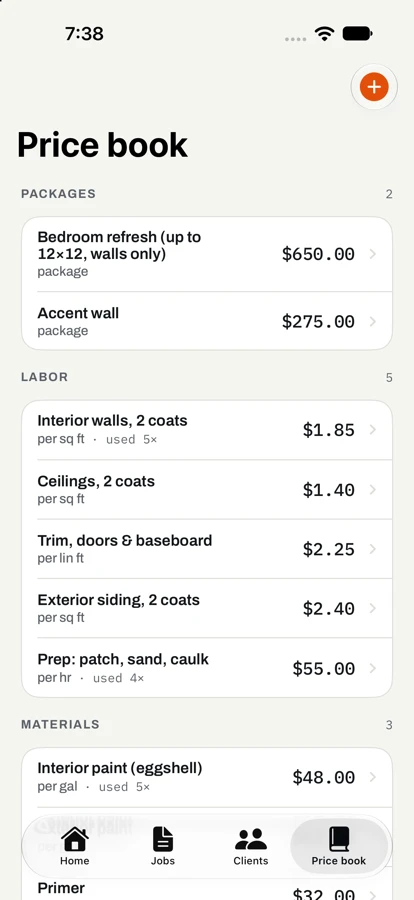
Sample rates for a painter, lawn crew, pressure washer and handyman. In the app, it’s your book.
Built for the truck.
Not the desk. For painters, lawn crews, handymen and pressure washers who quote in driveways and invoice from the cab.
Your prices, not ours.
Start from trade rates for your area, then make them yours. TapBid never invents a number, and if you keep nudging the same line up, it offers to update your book.
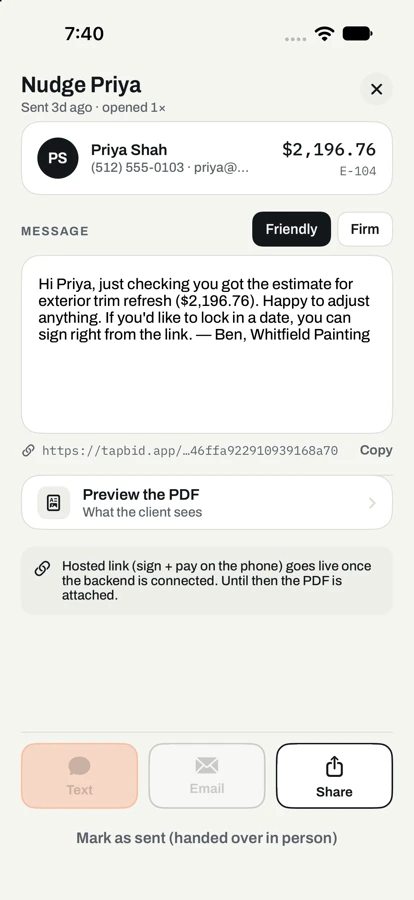
Follow-ups that don’t nag.
See the moment Dana opens the estimate. If she hasn’t signed, a friendly nudge goes out on day 2 and day 5, then it stops. Turn it off per job.
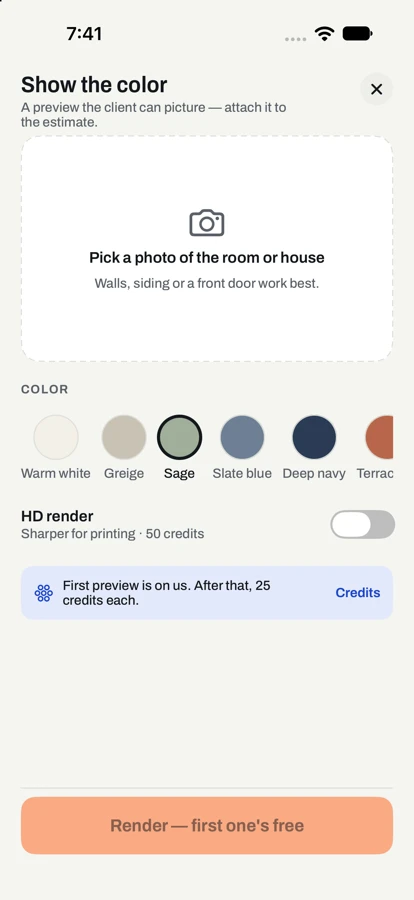
Show the color before the job.
Snap the room or the house front and show your client the new color on their own walls. Your first preview is free; credits never expire.
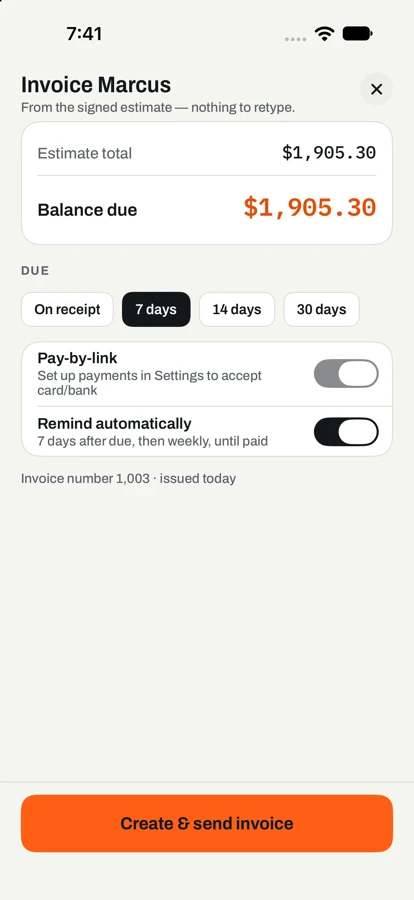
Invoice the minute it’s done.
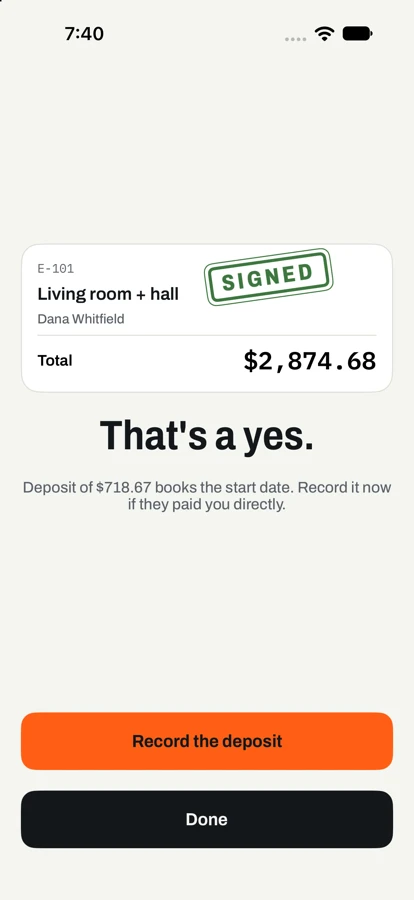
Mark the job done and the signed estimate becomes an invoice with a pay link. Reminders go 7 days after it’s due, firmer after 14.
Know where the money is.
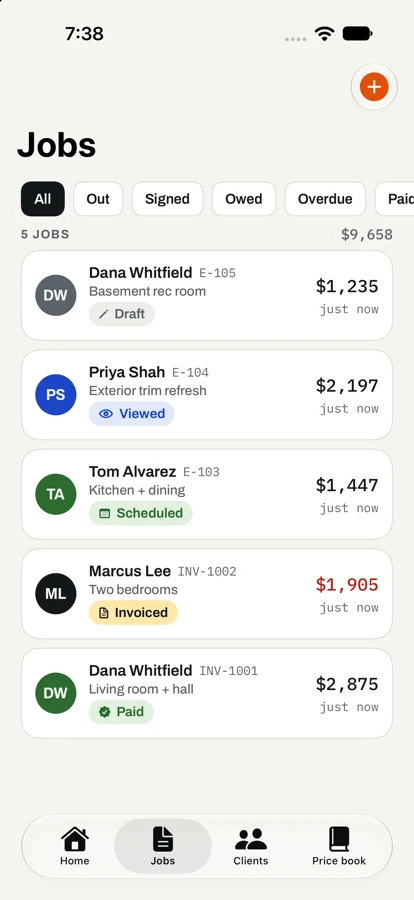
Every job on one tape: drafts, sent, signed, owed, paid. Totals by month, and exports your accountant will actually open.
Free to start. Pro is $19.99/mo.
Free, for real: unlimited clients and hand-built estimates, plus 3 sends and 3 AI drafts every month. It never shrinks, and no card is needed.
Pro: unlimited sends and AI drafts, follow-ups and reminders, and 125 color-preview credits a month. Try it free for 3 days.
Straight answers.
When can I download TapBid?
Soon. TapBid is in final testing for iPhone and iPad, and the App Store listing goes live as soon as Apple approves it. The “Get the app” buttons on this page will switch to the download then.
Does the AI make up prices?
No. Every line is priced from your own price book and shows where its price came from. If your book has no rate for something, TapBid asks you. A line you haven’t confirmed blocks sending.
Do my clients need the app?
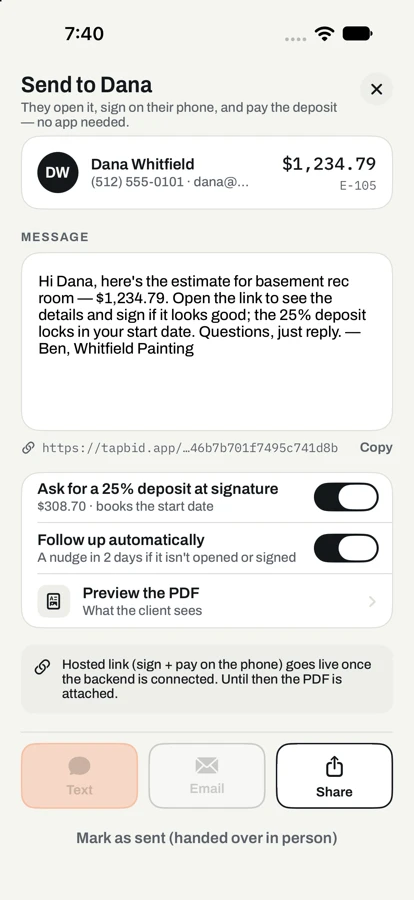
No. They get a text or email with a link that opens in their phone’s browser. They can read the estimate, sign with a finger, pay the deposit or ask for a change without an account.
Which trades does it work for?
Painting, lawn care, handyman and pressure washing at launch, each with starter rates you can change. Roofing is on the way.
What does the free plan include?
Unlimited clients and estimates you build by hand, plus 3 sends and 3 AI drafts each month. Building, signing and recording payments never count against it, and the free plan is never reduced.
How do clients pay me?
By card from the estimate or invoice link, paid out to your bank through Stripe. Cash and checks can be recorded in a tap, so every job still lands on the same books.
Send your next bid from the driveway.
Coming soon to the App Store for iPhone and iPad.